Canva is a powerful and increasingly popular graphic design tool. What many people don’t realize is that Canva can be extended with features
built by third-party developers. These integrations are called Canva apps, and they add new tools and functionality directly inside Canva.
If you ever find yourself wishing Canva had a specific feature, there’s a good chance a Canva app already provides it.
Simply visit canva.com/apps and search using keywords related to what you need.
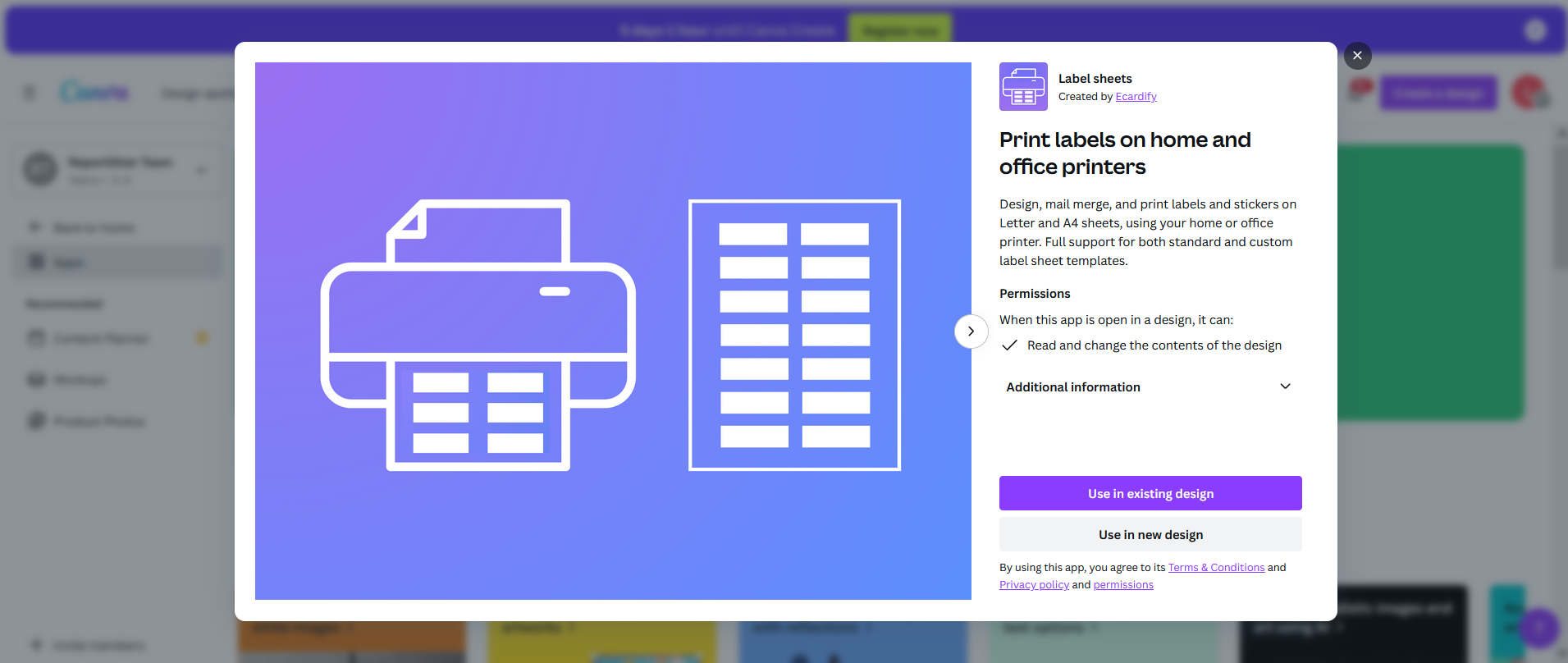
For users who want to print their Canva label designs on label sheets — such as Avery or any other brand — Hlabels has created the Label Sheets Canva app.
The app makes it easy to print designs on label sheets regardless of the brand or template code. It supports 90+ label brands, including Avery, and even works with custom label sheet layouts.
Without the right tools, printing labels often becomes a fragmented process. People end up switching between multiple applications, copying and pasting content into templates, and exporting files repeatedly. Besides wasting time, this back-and-forth can also introduce print misalignment problems.
The Label Sheets Canva app removes that friction. Everything happens inside Canva. You design your labels, preview exactly how they will appear on the label sheet, and print them directly — no switching between tools, no complicated exports, and no limitations on label brands.
For anyone who regularly creates labels, this brings a much simpler and more efficient workflow. Read more about how to use the Canva Label Sheets App.
 Go to Label Sheets App
Hlabels meets you where you are. Learn how to use our label printing service from within Microsoft Word, Google Docs, Google Sheets, Adobe Express, or even directly from your browser.
If you already have your label design file(s), upload them to our website and print them on any label sheet brand and template code — including custom ones.We respect your privacy and want you to have control over your data. Please choose your preferences:

