Microsoft Word is one of the most widely used tools for creating documents, labels, and many other types of content. What many people don’t realize is that Word can be extended with additional features built by third-party developers. These integrations are called Word add-ins, and they add new tools and functionality directly inside Microsoft Word. If you ever find yourself wishing Word had a specific feature, there’s a good chance a Word add-in already provides it. Simply go to the Add-ins section located on the far right of the Home ribbon and search using keywords related to the functionality you need.
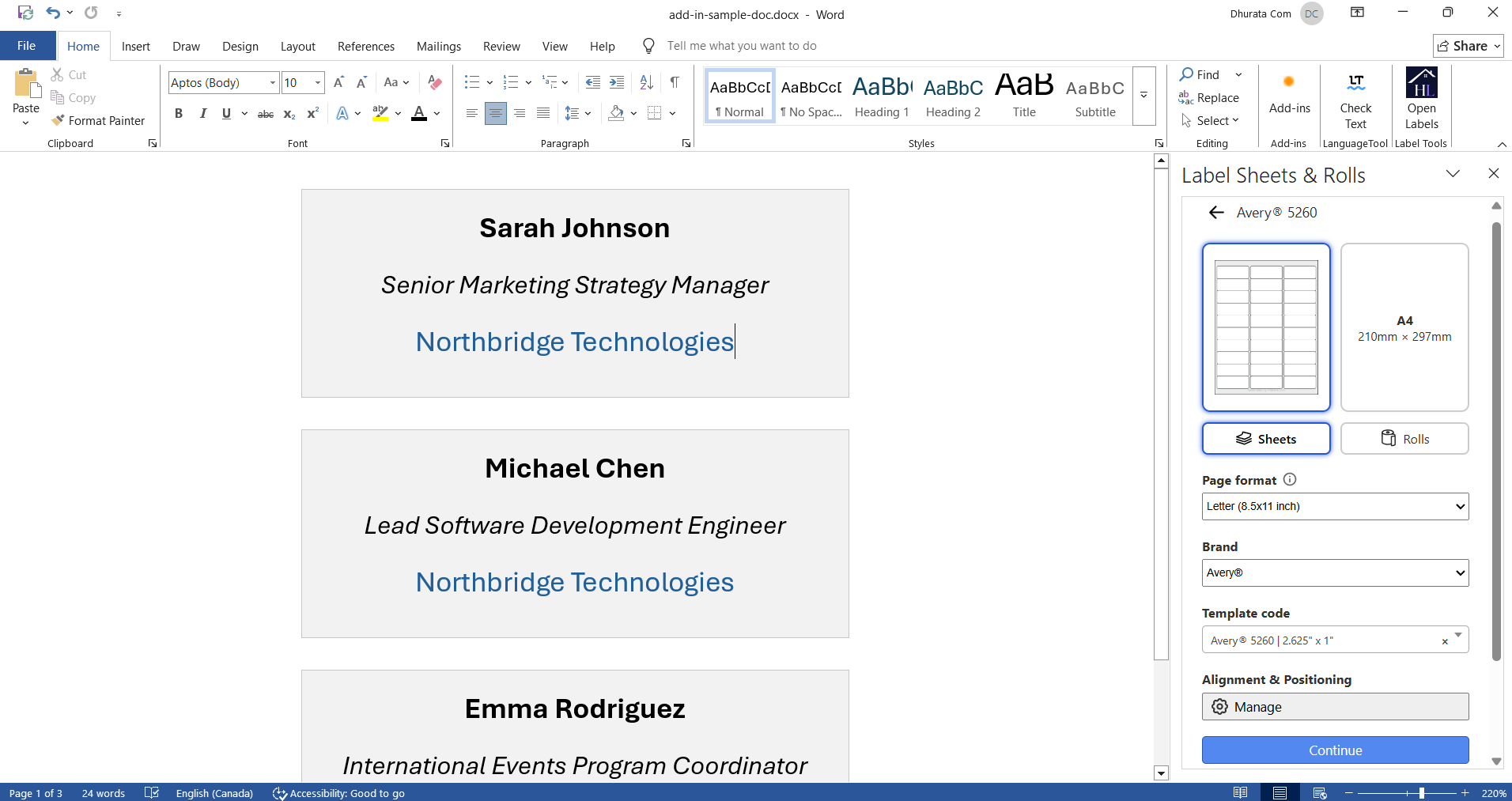
Label Sheets & Rolls for Microsoft Word is an add-in developed by Hlabels.com that makes it easy to create, mail merge, and print labels directly inside Microsoft Word.
Microsoft Word provides its own label printing and mail merge functionality, but for many users the process is complicated, restrictive, laborious, and prone to printout alignment issues.
For anyone who regularly creates and prints product labels, address labels, barcode labels, QR code labels, shipping labels, or stickers, this add-in brings a much simpler and more efficient workflow.
With Label Sheets & Rolls, you can:
Read more about how to install and use this Add-in.
 Go to Labels Sheets & Rolls Add-in
Hlabels meets you where you are. Learn
how to use our label printing service from within
Canva,
Google Docs, Google Sheets,
Adobe Express,
or even directly from your browser.
If you already have your label design file(s),
upload
them to our website and print them on any label sheet brand and template code — including custom ones.
We respect your privacy and want you to have control over your data. Please choose your preferences:

